
SEO by platform · WooCommerce

SEO for WooCommerce: categories, filters and products that Google understands

SEO for WooCommerce solves the problems specific to an online store on WordPress: filters that generate thousands of nearly identical URLs, product variations, out-of-stock products, categories with no content and descriptions copied from the manufacturer. At Pivoti Labs we work on the store you already have so that its categories and products rank.

WooCommerce logo
SEO for WooCommerce
  • Categories with content that answers searches
  • Filters under control so pages are not duplicated
  • Out-of-stock products and variations handled properly
  • Product structured data validated
The problem

A store with many products and few pages that rank

In a store, SEO is won or lost in the categories and the product pages. These are the mistakes that come up most often in WooCommerce.

Two people preparing many orders in boxes
  1. Filters that multiply URLs

    Every combination of size, color or price can create a new URL. Google spends its crawl on nearly identical pages and leaves the important ones aside.

  2. Out-of-stock products that disappear

    Deleting an out-of-stock product that had rankings and links throws that value away. It is often better to keep it, redirect it or suggest alternatives.

  3. Categories with no text

    A product grid with no context does not tell Google which search the category answers, and it is the page with the most potential in the store.

  4. A slow store

    WooCommerce adds its own scripts to those of the theme and the plugins. With large catalogs, the store becomes slow right where the customer decides.

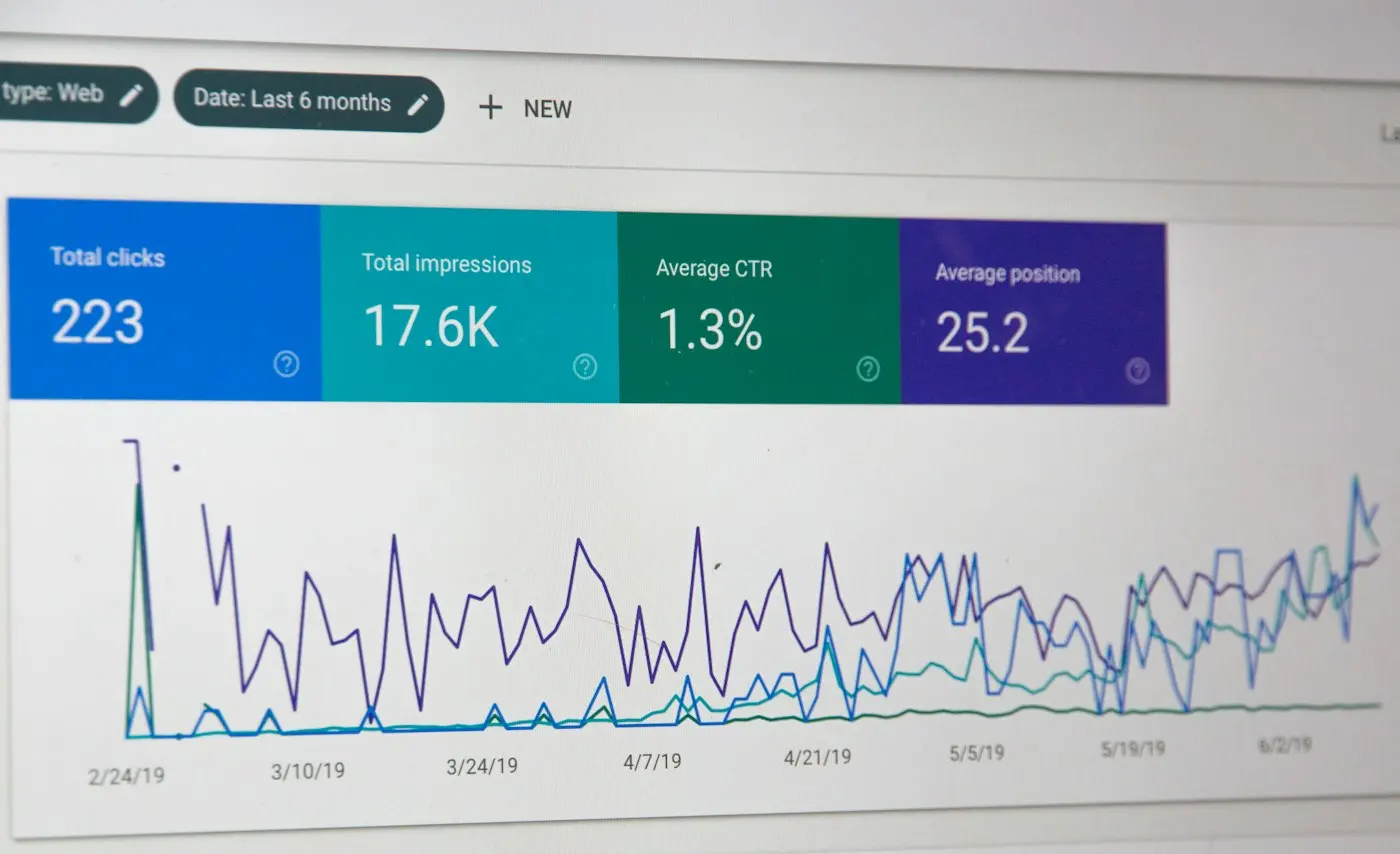
Chart of clicks and impressions in Google Search Console
What is included

The work areas of SEO for WooCommerce

The WordPress foundation and the particularities of the store are worked on together.

  • Category architecture

    Categories and subcategories organized around how your customer searches, with internal links from the guides and the menu to the most important ones.

  • Filters and parameters

    We define which filter combinations deserve their own page and which should stay out of the index so content is not duplicated.

  • Product pages

    Titles, descriptions, images with alt text and variations handled on a single URL when appropriate.

  • Out-of-stock and discontinued products

    A clear rule for each case: keep the page, show alternatives or 301 redirect to the closest product or category.

  • Structured data

    Product markup with price, availability and reviews, without duplicating what the theme or the plugins already generate.

  • Catalog speed

    Lightweight images, cart-compatible caching and WooCommerce scripts loaded only where they are needed.

How we work on SEO in WooCommerce

Four steps, from the catalog structure to tracking by category.

  1. 01

    Diagnosis

    We review categories, filters, product pages, speed and indexing in Search Console.Catalog mapDuplicate URLsSpeed measurement

  2. 02

    Structure

    We reorganize categories, bring filters under control and define the rule for out-of-stock and discontinued products.Reorganized categoriesFilters out of the index301 redirects

  3. 03

    Content

    We write the content of the priority categories and optimize the pages of the key products.Categories with textOptimized product pagesProduct schema

  4. 04

    Follow-up

    We measure how categories and products evolve in Search Console and extend the work to the rest of the catalog.Monthly reportNew categoriesNext steps

Installing WooCommerce is not the same as ranking the store

The store works from day one. Whether its pages show up on Google depends on how it is organized and filled in.

A freshly set up store

  • Products published with price and cart
  • Categories organized around how the customer searches
  • Filter URLs out of the index
  • Out-of-stock products without losing their value
  • Unique descriptions per product
  • Product structured data validated

SEO for WooCommerce by Pivoti Labs

  • Products published with price and cart
  • Categories organized around how the customer searches
  • Filter URLs out of the index
  • Out-of-stock products without losing their value
  • Unique descriptions per product
  • Product structured data validated
We compare ways of working, not named providers.

SEO plans and pricing for WooCommerce

Two plans with published prices. The final figure depends on the scope of your project; these are the starting points. Prices for our other services are on the pricing page.

Standard SEO Plan

From4.000.000COP / month · VAT included

A plan to start optimizing your products and services on the platforms where people look for you: Google Business Profile, YouTube, LinkedIn and ChatGPT, among other AI assistants. The goal is to make your website your best sales tool on Google and on the other digital platforms.

Includes:

  • Technical SEO audit
  • Optimization of product and service pages
  • Local SEO for branches
  • Google Business Profile listing optimization
  • Content strategy (2 pieces of content/month)
  • Structured data implementation
  • Tracking in Search Console and analytics
  • UX recommendations for forms

Most popular

Conversion and lead growth plan

From6.000.000COP / month · VAT included

Beyond SEO, we build paid advertising strategies on Meta, Google Ads, TikTok and YouTube, plus PR and visibility strategies that let you reach a wider audience and receive much better qualified leads for your business.

Includes everything in the standard plan +

  • SEO strategy by service vertical
  • Conversion-oriented content (4 pieces of content/month)
  • Programmatic SEO by category
  • Funnel optimization in the CRM
  • CRO on program landing pages
  • SEO + CRM integration
  • Link building
  • Optimization for search engines and AI platforms
  • Leads and conversions dashboard
  • Strategic monthly reports
WordPress and the store

How is it different from SEO for WordPress?

WooCommerce is a WordPress plugin, so everything that applies to a WordPress site also applies to the store: plugins under control, duplicate archives out of the index, speed and a properly configured SEO plugin. We explain it on the SEO for WordPress page.

The difference is in the catalog. A store has hundreds or thousands of product and category URLs, and problems a corporate site does not have: filters, variations, changing inventory and repeated descriptions. That is why the work on a store focuses on getting categories to rank for broad searches and product pages for specific searches.

Laptop with the WordPress logo on screen
Priority

Where to start in a large store?

With the categories. A well-built category can rank for searches with far more volume than an individual product, and it works as the entry point to the rest of the catalog. Then come the products that sell the most or leave the most margin, and finally supporting content such as buying guides.

If you are still deciding how to set up the store, the guide to creating an online store in Colombia compares the options and their costs.

Warehouse aisle with shelves full of products

Frequently asked questions

Is WooCommerce good for SEO?

Yes. Because it runs on WordPress, it lets you control URLs, titles, content and structured data. What needs attention is speed and the number of URLs that filters generate when they are not kept under control.

What do I do with out-of-stock products?

If they will be available again, keep the page and show alternatives. If they were discontinued and had traffic or links, 301 redirect to the most similar product or category.

Do product variations need their own URLs?

Almost never. The usual approach is a single URL per product with its size or color variations. Separating them only makes sense when each variation is searched for differently on Google.

WooCommerce or Shopify for rankings?

Both can rank well. WooCommerce gives more technical control; Shopify is easier to maintain but fixes part of the structure. Compare the two on SEO for Shopify.

Which plan includes SEO for WooCommerce?

Any of the SEO plans applies to WooCommerce stores; the difference is in the number of keywords and the volume of content. The figures are on the pricing page.

Guides and cases

What we publish about stores and rankings

Guides and diagnoses to decide with information before investing in your store.

How to create an online store in Colombia
01

How to create an online store in Colombia

The steps, the decisions and the costs of setting up an online store from scratch. (In Spanish.)

How to recover unindexed articles
02

How to recover unindexed articles

The step by step to diagnose why Google crawls pages but does not index them, and what gets fixed in the code. (In Spanish.)

Other SEO services

SEO for other platforms

WordPress logo
01

SEO for WordPress

Plugins, themes and page builders under control: speed, duplicate archives and structured data.

Shopify logo
02

SEO for Shopify

Collections, duplicate products, apps that slow the store down and what can be changed in the theme.

Wix logo
03

SEO for Wix

What Wix lets you configure, how the platform works and how to get the most out of it for rankings.

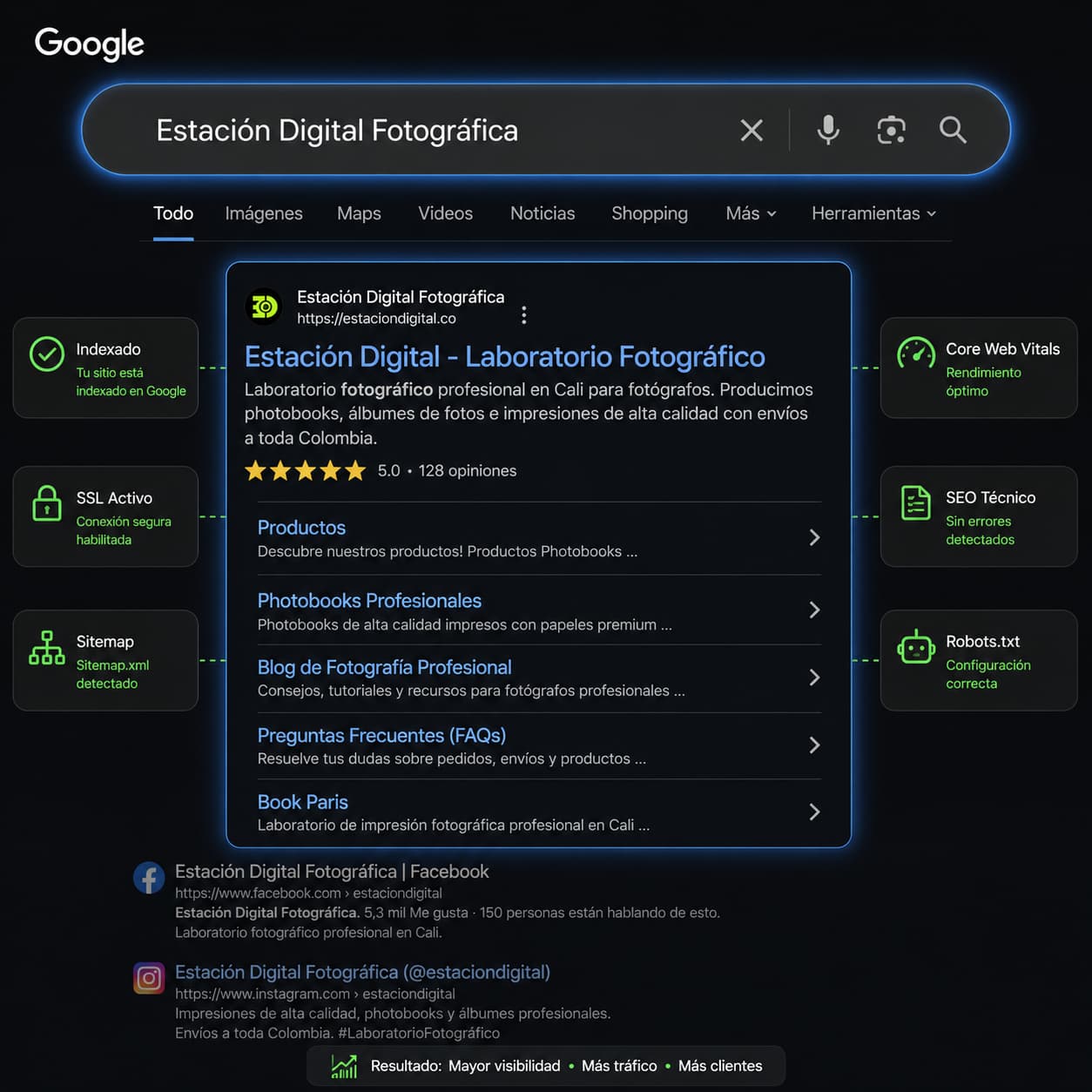
Google result of an indexed site, with active SSL, sitemap and good Core Web Vitals
04

Technical SEO

Indexing, canonicals, structured data and speed, fixed in the code of the site.

Ready to show up first on Google and in AI answers?

We'll run a free SEO diagnosis: we measure your current rankings, find what is holding you back and tell you what can be fixed.

Request a Consultation